
Why Use ToolWEB?
Toolweb gives you 24/7 access to shop over 120,000 products from 500+ suppliers.
But that's just the beginning...
- Manage all of your orders via your account area
- Track current order status and shipments
- View and pay your invoices online
- Check product availability and pricing
- Create custom flyers to hand out to your customers
- Easily import bulk orders
- and lots more!
Watch our overview to take a quick tour of the site and check out some of our favorite features below.
We offer one-on-one ToolWEB training at no cost to our customers. Want to learn more about the site and how to use it to make your job easier? Use the form at the bottom of this page to request a session!
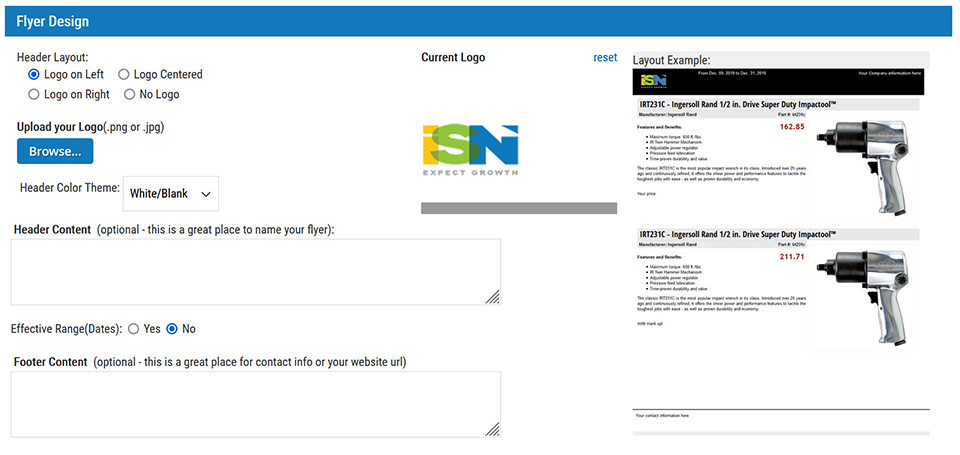
Our Flyer Builder allows you to create customized flyers with your logo, contact information, and the products you want to feature at the prices you want to sell them for.
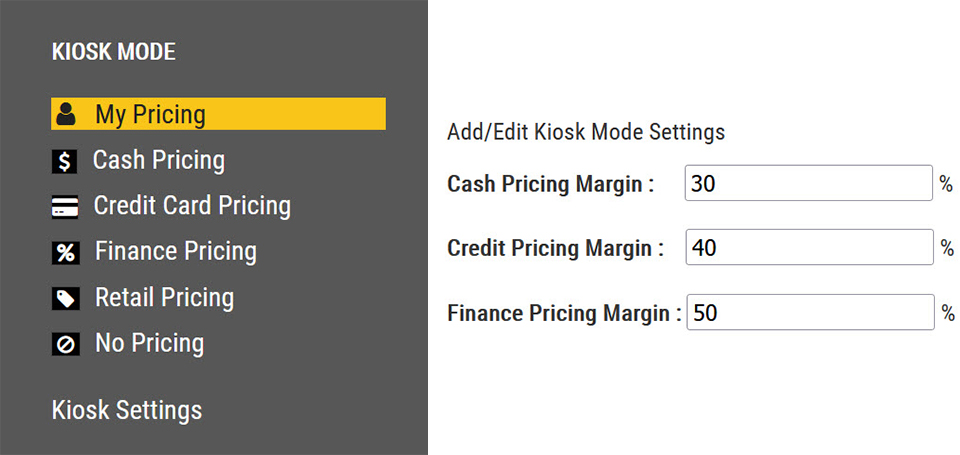
Kiosk Mode allows you to set up ToolWEB.com to show customer pricing instead of your cost. Perfect for when you're browsing the site with a customer. You can even replace the ToolWEB logo with your own for a fully branded experience!

Short on time and know what you want to order? Use Quick Order to quickly add the part numbers and quantities you need to your cart without having to browse or search the site.
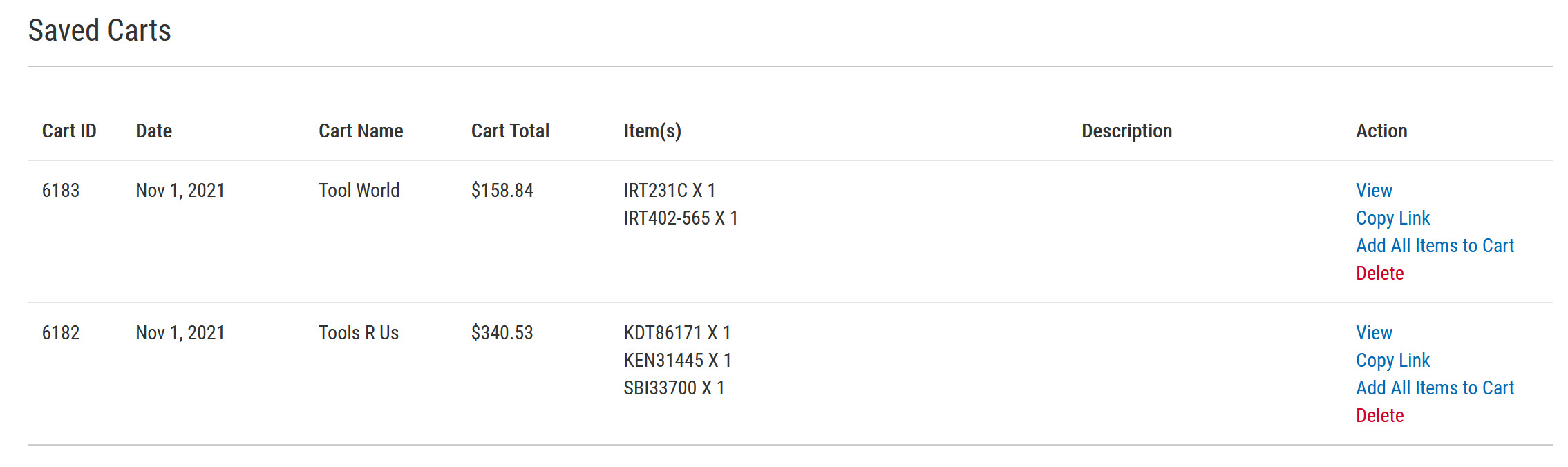
If you're not ready to make your purchase yet, you can save your cart to buy later.
Tip: Our customers also use this feature to create order suggestions for their customers.
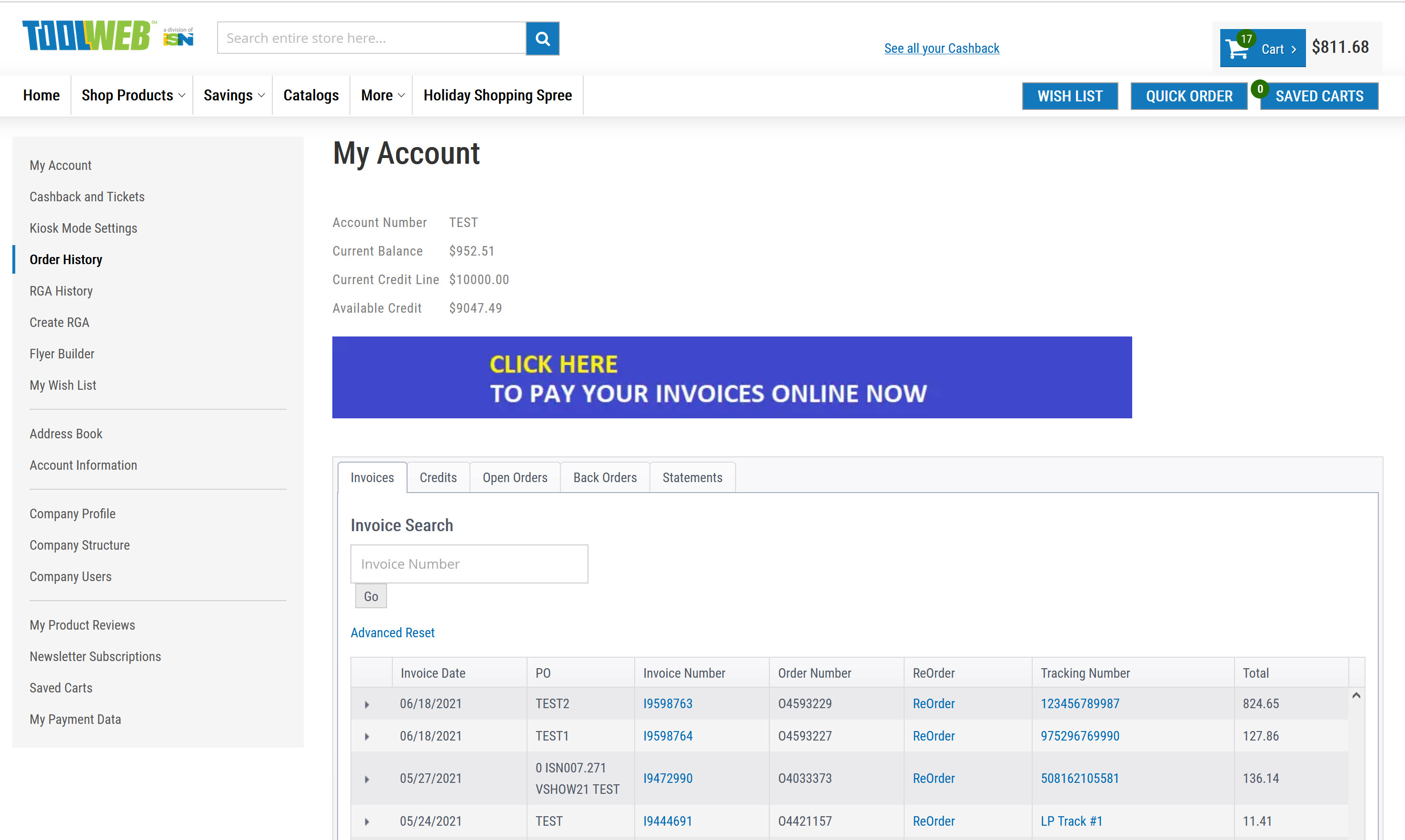
Check your available credit, view your order history, track shipments, reorder products, and pay your invoices online easily from your Order History screen.
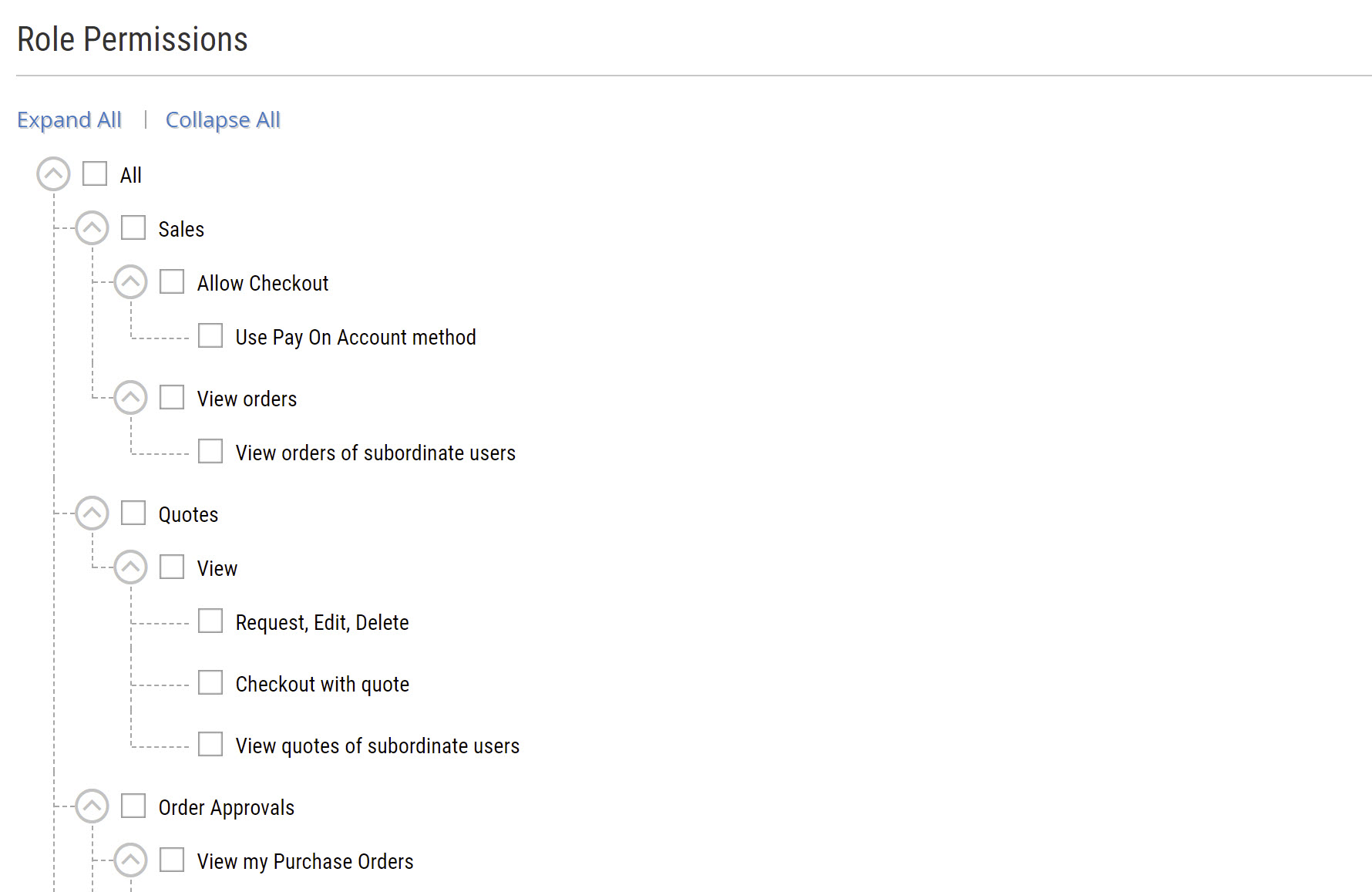
Admin users can manage the access their employees have to Toolweb. You can disable checkout, set up an order approval process, hide reporting, and more.
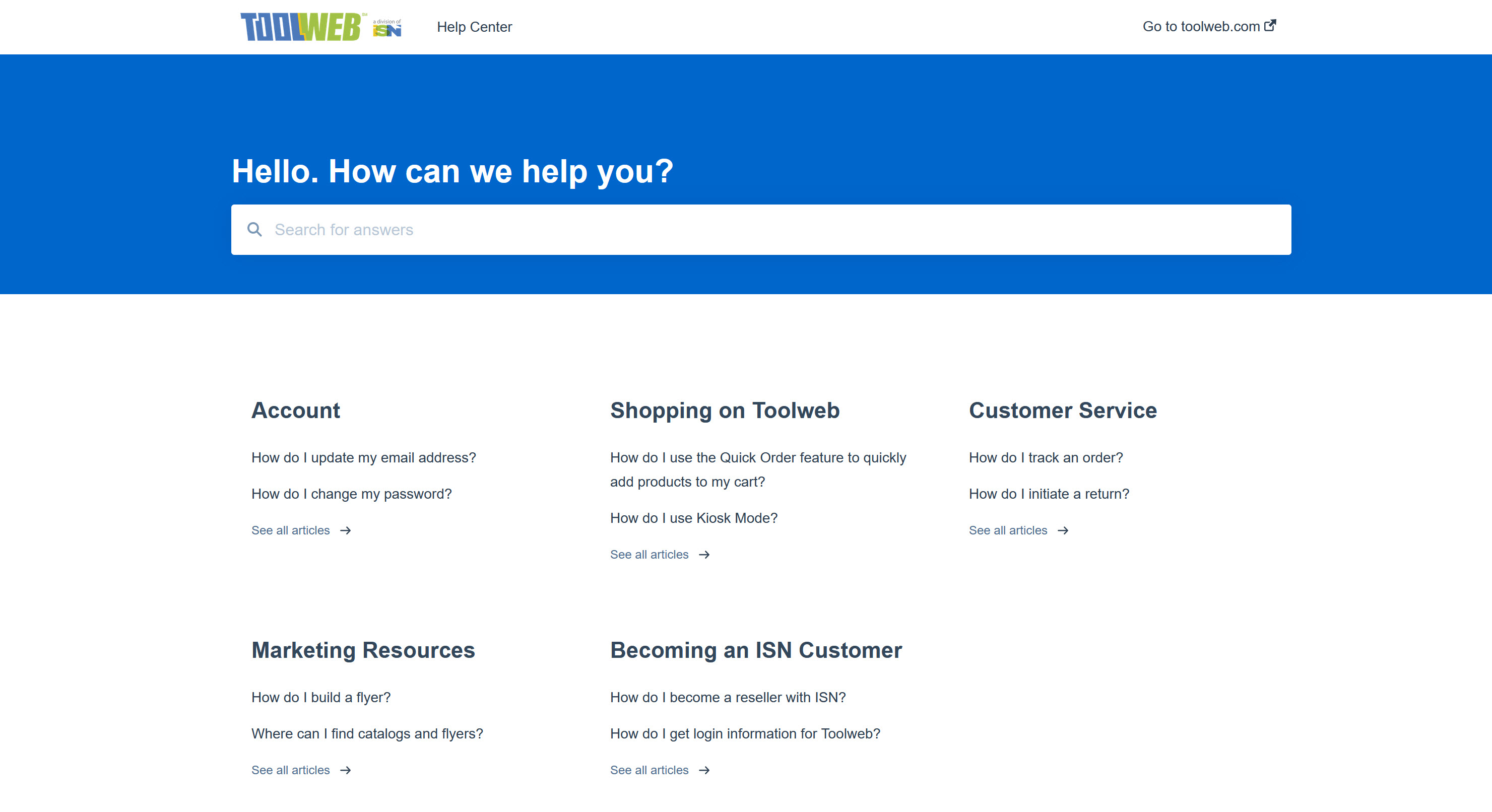
Access our Knowledge Base for step-by-step instructions on how to use Toolweb's most popular features. You'll also find answers to our most frequently asked questions and a link to reach out to our team.
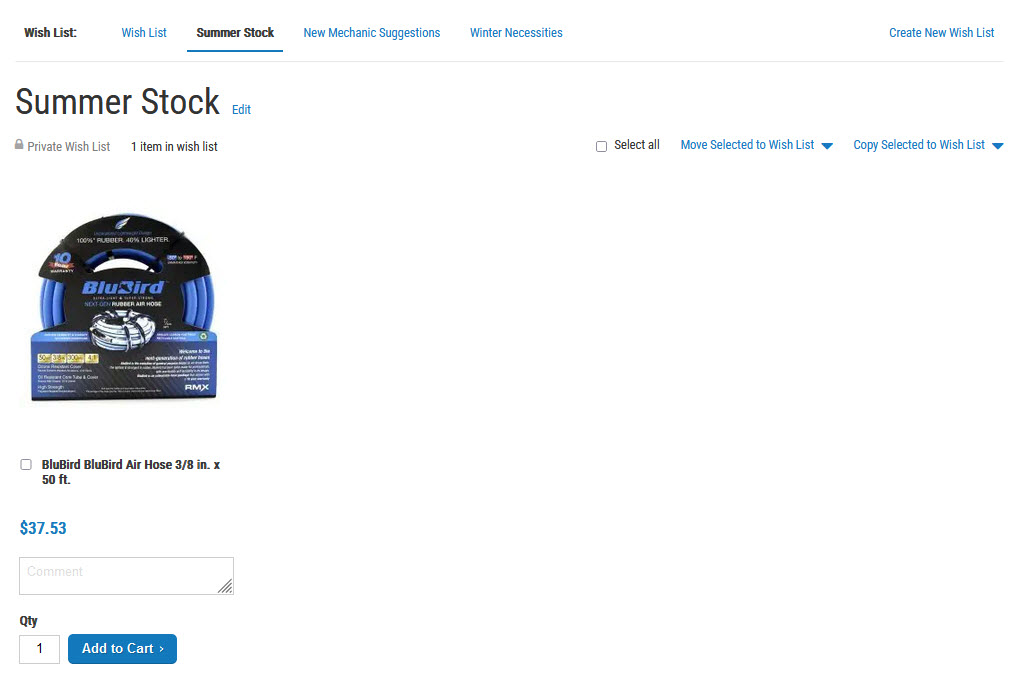
We've updated our Wishlist feature to allow multiple wishlists. Create lists for specific customers or seasons, even a list of suggested products for new techs on your route. Each wishlist can be easily added to your cart or shared with customers via email.
Request a free one-on-one session with our team to review ToolWEB and how you can use it to make your job easier.
Simply fill out the below form and one of our team members will be in touch.